Core Principles
Learn why programmer art gets its reputation, what makes placeholder assets readable, and how clear communication matters more than rendering skill.
You don't need to be an artist to create clear, readable, and surprisingly good-looking game assets. Learn the techniques, tools, and workflows that turn placeholder art into something you can ship.
From first principles to finished assets, build the art skills your game actually needs without trying to become a professional artist.
Learn why programmer art gets its reputation, what makes placeholder assets readable, and how clear communication matters more than rendering skill.
Step-by-step methods for creating sprites, 3D placeholders, UI elements, and environment art using tools you probably already have.
Make the most of Unity and Godot built-in tools. Turn default primitives, shaders, and gizmos into a coherent visual style.
A curated list of free, cheap, and open-source art tools chosen specifically for programmers who need efficient results.
A recommended order for building your art skills incrementally, so each new concept builds on what you already know.
See how successful indie games embraced their programmer art aesthetic and turned it into a distinctive visual identity.
In game development, "programmer art" refers to assets created by programmers as placeholders — colored boxes, stick figures, default textures. It gets made because you need something, anything, in the game while you figure out whether the gameplay actually works.
For a long time, the term was mostly an insult. But indie games showed that programmer art can be a legitimate style, and that clear, readable assets are more important than technically well-rendered ones.
Players need to instantly understand what each thing in your game does and whether it's good or bad.
A consistent style, even a simple one, looks better than a mix of polished and rough assets.
Procedural generation, shaders, and code-driven art let you iterate faster than manual drawing.
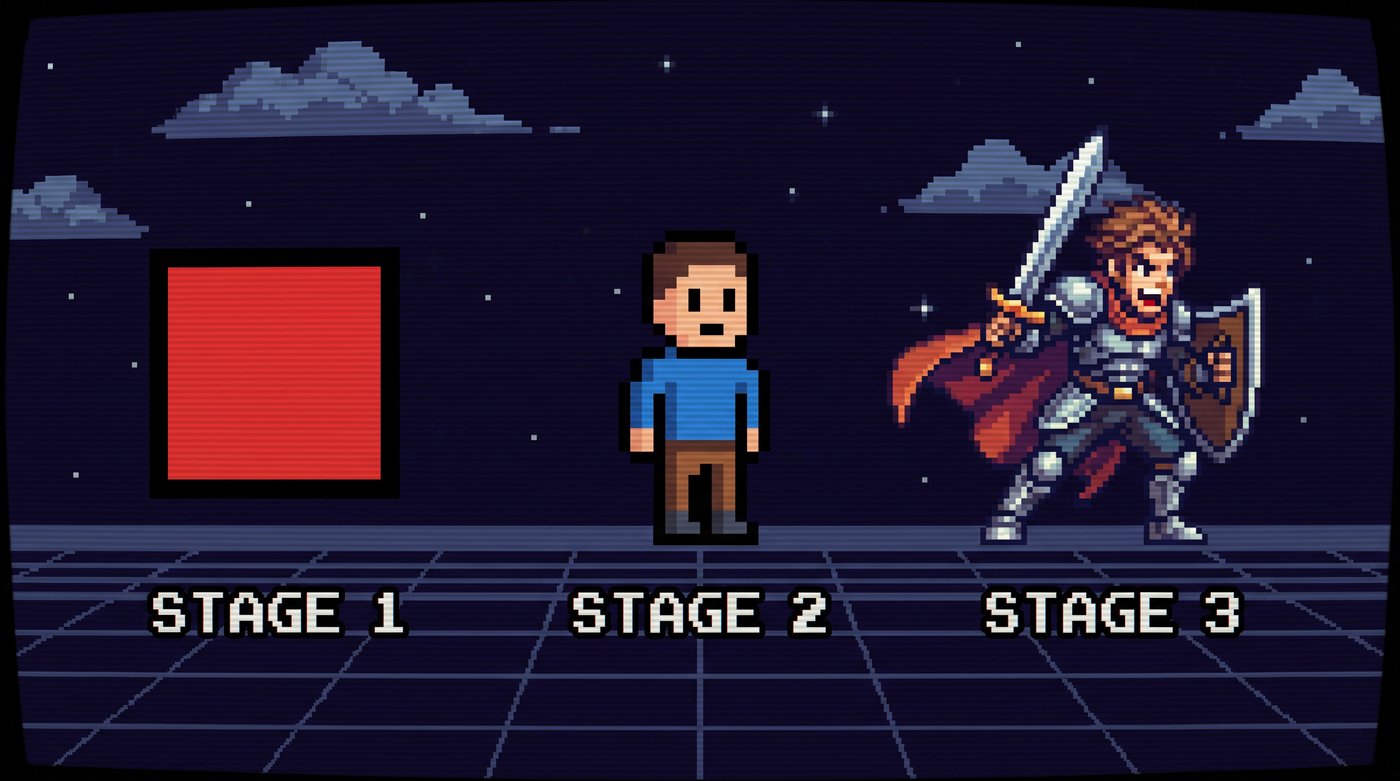
You don't need Photoshop or a drawing tablet. These tools prioritize speed, precision, and scriptability over traditional art workflows.
Aseprite, Libresprite, Piskel, and GIMP — each with different strengths depending on whether you're doing sprites, animations, or mockups.
Blender is the obvious choice, but don't sleep on procedural tools like MagicaVoxel, Asset Forge, and engine primitives.
Inkscape for vector graphics, Figma for layout, and simple icon fonts can get you 90% of a professional-looking UI.
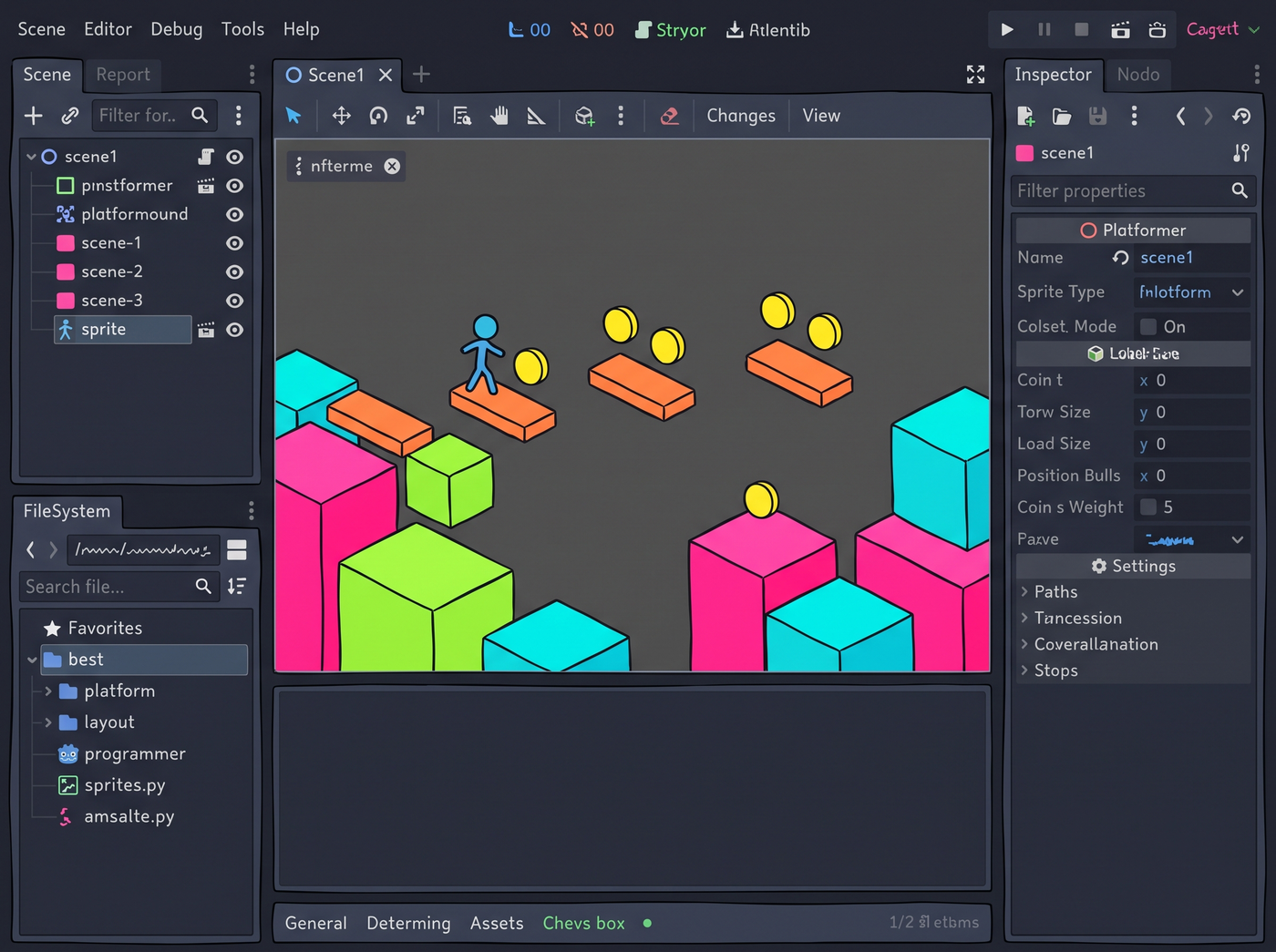
Both Unity and Godot come with built-in tools that can carry a surprising amount of your visual load. Shaders, gizmos, debug views, and default assets — all of it can be repurposed into a real art style.
Use Gizmos, Handles, IMGUI, and default material tricks to build a coherent look from the engine's own visual vocabulary.
Leverage the engine's 2D pipeline, built-in theme system, and shader language to create a distinctive look with minimal external assets.
Some of the most memorable indie games weren't made with artists. They were made by programmers who leaned into what they had.
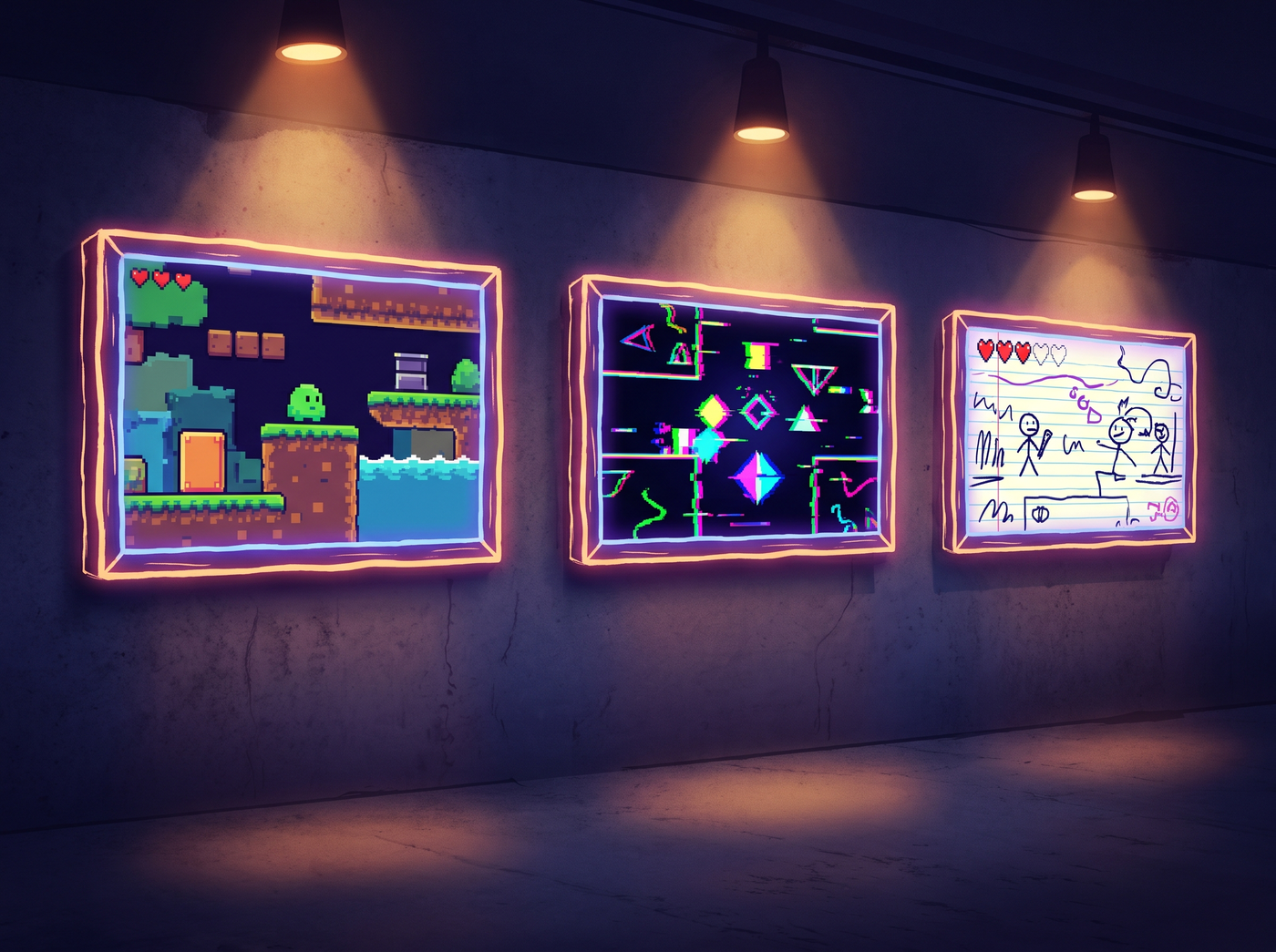
A short platformer famous for its intentionally minimal presentation. Its simplicity became the whole point of the game.
Minimal 2D platformer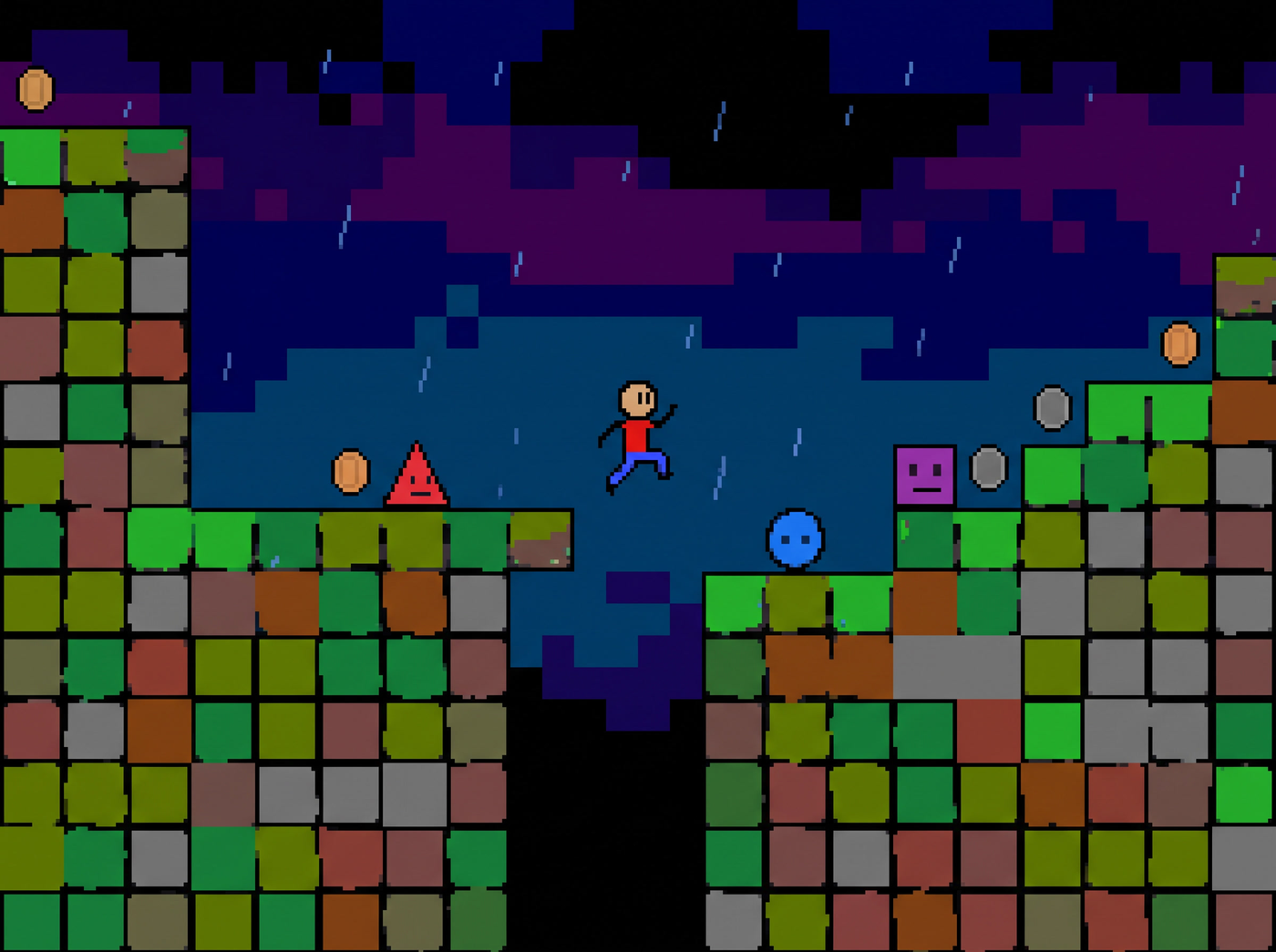
Built almost entirely by a single programmer. Its distinct abstract look is immediately recognizable and has inspired many other games.
Simulation Top-down
Decades of development by two brothers. Its ASCII graphics are legendary, and even the paid graphical release keeps the spirit.
ASCII RoguelikeStart with the fundamentals, work through the techniques, and build a game that looks intentionally good — not like you forgot to hire an artist.
Follow the learning path